
Photo Metadata and GPS: What Your Pictures Reveal, and How to Check
Photos and videos carry GPS, device model and capture time. How EXIF and iPhone .mov tags leak location, how to check files, and how VOIDEX strips them.
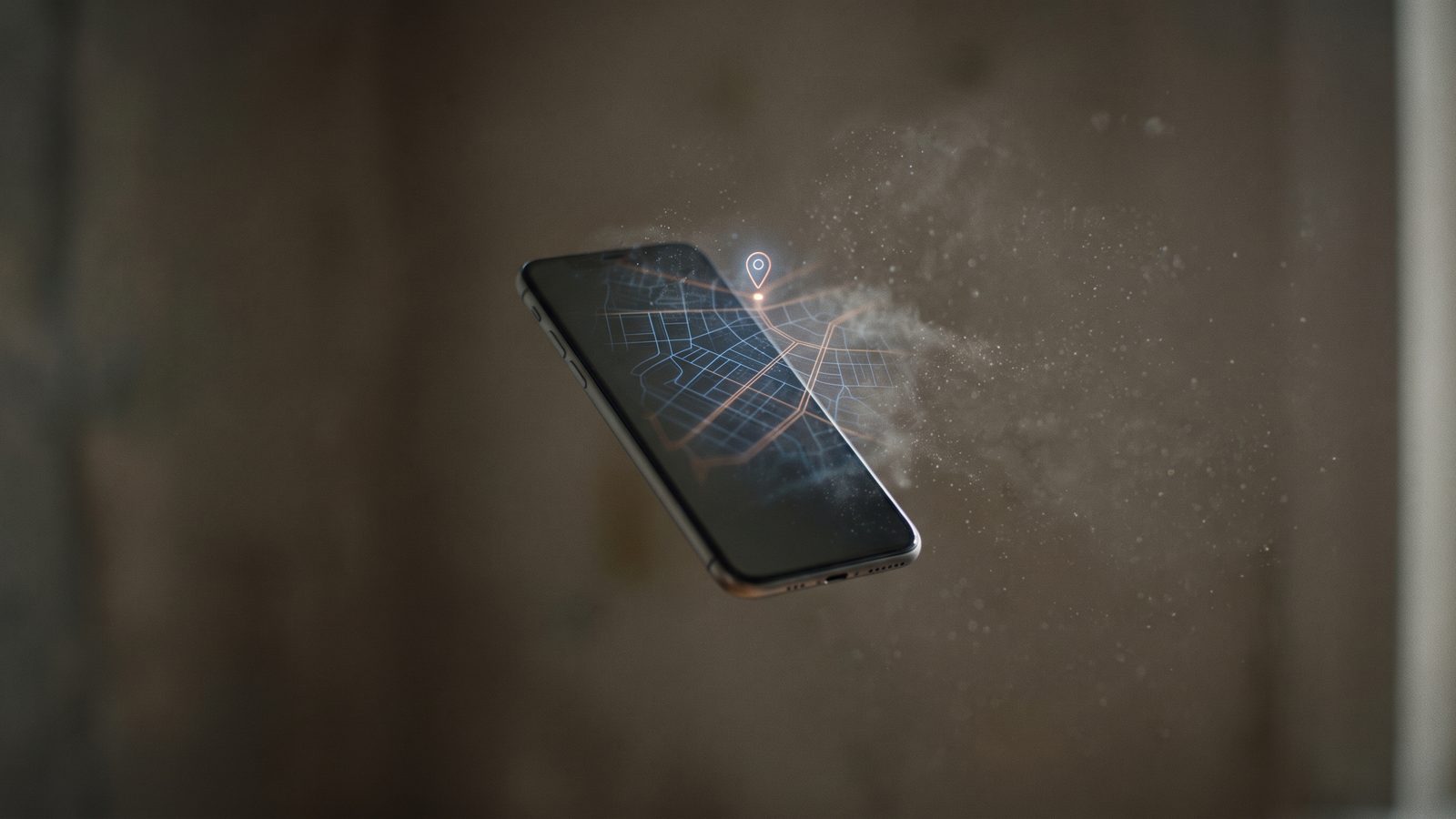
Every photo you take is two things at once. There is the picture everyone sees, and there is a quiet file of facts stored alongside it: where the phone was standing, which model of phone it was, the exact second the shutter fired, sometimes the direction the lens was pointing. Most people never look at that second part. Other people do.
At VOIDEX we treat this hidden layer as seriously as the words in an encrypted message, because for a public post it can say more than the caption. This guide explains what photo and video metadata contains, how it has exposed people in the past, how to check your own files in a minute, and what VOIDEX does before anything you post becomes public.
What EXIF is
Most cameras and phones save still images with a block of data called EXIF, short for Exchangeable Image File Format. It was designed for photographers, and for them it is genuinely useful: it records shutter speed, aperture, focal length and ISO, so you can learn why one shot worked and another did not.
On a modern phone, EXIF usually also records:
- GPS coordinates, often precise to a few metres, plus altitude.
- Device make and model, and frequently the software version.
- Date and time of capture, sometimes with the time zone.
- Lens and orientation details, which can reveal the direction you were facing.
- Editing software, if the image was processed after capture.
Location is only recorded when the camera app has permission to use it, but on most phones that permission is granted once, early, and then forgotten.
Video carries it too
Video is often overlooked, and it should not be. Video files are containers, and containers hold metadata of their own. An iPhone recording saved as a .mov file typically stores Apple's QuickTime metadata keys, including a location entry written in the ISO 6709 coordinate format, along with the device make, model, software version and a creation date that includes the time zone.
Some phone videos go further and include extra tracks beside the picture and sound, such as timecode or motion and sensor data. Removing tags from a file does not necessarily remove those tracks. Cleaning video properly means rebuilding the file with only the streams that should be there.
When metadata gave people away
The best known case is from December 2012. The software entrepreneur John McAfee was avoiding authorities in Belize when Vice published a photo of him with its editor. The image still carried GPS coordinates from the iPhone that took it, placing him in Guatemala, as reported at the time by PetaPixel. He was detained in Guatemala shortly afterwards.
McAfee was a public figure being actively searched for. The same mechanism works quietly for everyone else. A photo of a new sofa can locate a home. A picture of a child at the park can locate a school route. A video posted under an anonymous account can carry a precise location that contradicts everything the account claims about itself. The caption says nothing. The file says where.
Timestamps and device models matter too. Together they can link two supposedly separate accounts, because the same rare phone model posting at the same odd hours is a pattern, and patterns are how people are identified. We explore that wider idea in metadata is the message.
Do the big platforms strip it?
Many large social networks remove location metadata from the copies of images they display publicly, which is good practice. But the rules vary between services, between images and video, and between the public copy and whatever the service keeps internally. Messaging apps and email can deliver the original file, metadata intact. Cloud links often serve the exact file you uploaded.
The safe assumption is simple: unless a service states that it cleans files, treat every file you send as carrying everything your phone recorded.
How to check your own files
Checking takes less than a minute, and doing it once is usually enough to change your habits.
On iPhone: open a photo in Photos and swipe up, or tap the info button. If a map appears, the photo carries a location. Apple's own guide to managing location metadata shows how to remove it from existing photos and how to share without it.
On Android: in most gallery apps, open the photo and tap the details or info option. Location, device and time are listed there.
On a Mac: open the image in Preview, choose Tools, then Show Inspector, and look at the EXIF and GPS tabs.
On Windows: right-click the file, choose Properties, then Details. GPS, camera model and dates appear in the list.
For thorough checks: ExifTool, a free and long-established command-line tool by Phil Harvey, reads metadata from images and video containers alike, including QuickTime location keys that ordinary viewers may not display.
A two minute audit
If you want to see the problem for yourself, pick five photos from your camera roll: one from home, one from work, one from a holiday, one of a friend and one you have already posted somewhere. Check each for location. Then open the last video you recorded and check it too.
Most people find that nearly every file carries a precise location, and that the home and work photos, taken together, map their daily life with uncomfortable accuracy. That is the file a stranger receives whenever an original is shared without cleaning.
How to stop leaking location
A few settings close most of the gap:
- Turn off location for the camera. On iPhone, go to Settings, Privacy and Security, Location Services, Camera, and choose Never. On Android, the camera app's settings usually include a location tag switch.
- Share without location. On iPhone, tap Options at the top of the share sheet and turn off Location before sending.
- Remove it from existing photos. Both iOS and Android let you edit or remove the location of a saved image.
- Be careful with originals. "Send as file" and cloud links often preserve everything. Screenshots of a photo usually carry far less, though they still record the device and time.
- Remember the frame itself. No tool can remove a street sign, a house number or a reflection in a window. Look at the picture the way a stranger would.
What VOIDEX does before anything goes public
On VOIDEX, public posts in VOIDEX Space and videos in VOIDEX Orbits are meant to be seen, so they are not end-to-end encrypted. That is exactly why we clean them before they appear.
- Images are re-encoded before publishing. Re-encoding produces a new image from the pixels alone, which removes EXIF data such as GPS coordinates.
- Videos have capture metadata stripped before a post goes public. That includes GPS, device model and creation time.
- A file that cannot be cleaned is refused. VOIDEX never falls back to publishing the raw original. If the cleaning step fails, the post does not go out with your location attached; you are asked to try a different file instead.
That last rule matters more than it sounds. A privacy step that quietly gives up and publishes the original is worse than no step at all, because everyone believes it worked. On VOIDEX, cleaning is a condition of publishing, not a best effort.
It also fits the rest of the design. Every member has a public Face and an anonymous VOIDEX Phantom, and a Phantom is only as anonymous as the files it posts. A single coordinate in a video could undo everything else. We cover the full picture of Phantom anonymity in real anonymity with the VOIDEX Phantom.
The one thing VOIDEX cannot remove is what is visible in the frame. A landmark, a car registration or a familiar window is part of the picture itself. That judgement stays with you.
The takeaway
The camera in your pocket is an excellent witness. It records where, when and with what, every time, unless you tell it not to. Check a few of your own files today, switch off location for the camera if you do not need it, and prefer services that clean media before publishing and say so plainly.
VOIDEX cleans what goes public and refuses what it cannot clean. The rules are written down in the public security report for anyone to read. VOIDEX is invite-only: you can request access here.
Sources
- PetaPixel, "Geotagged iPhone Photograph Leads to Fugitive Software Tycoon's Downfall", 7 December 2012: https://petapixel.com/2012/12/07/geotagged-iphone-photograph-leads-to-fugitive-software-tycoons-downfall/
- Apple Support, Manage location metadata in Photos: https://support.apple.com/guide/personal-safety/manage-location-metadata-in-photos-ips0d7a5df82/web
Enter VOIDEX
VOIDEX is invite-only and free, with no ads and no trackers. Messages are protected by hybrid post-quantum encryption (X25519 with ML-KEM-768) and checked against a public key transparency log. VOIDEX runs in your browser and as apps for Windows and Mac, with iPhone and Android on the way.
Explore the Voidverse
VOIDEX is one private universe: post-quantum encrypted messaging, an anonymous social layer, short video, collectibles and a private window onto the web.
Keep reading

Metadata Is the Message: What End-to-End Encryption Does Not Hide
Encryption hides what you say, not who you talk to, when or from where. Why metadata is so revealing, and how VOIDEX limits what it can see.

No Ads, No Data Brokers: Why a Free App Without Ads Matters
Free apps are paid for with your data. How ads, data brokers and tracking pixels work, and why a platform with no ads changes every incentive it has.

Real Online Anonymity: Pseudonyms, Phantoms and Why Guessable Fails
Most "anonymous" accounts are only pseudonymous and easy to unmask. What real anonymity requires, how the VOIDEX Phantom works, and habits that keep you hidden.