
Location Privacy on Your Phone: Every Way It Leaks and How to Stop It
Your phone leaks location through GPS, photo EXIF, apps and advertising IDs. How each leak works, how location data gets sold, and how to limit it.
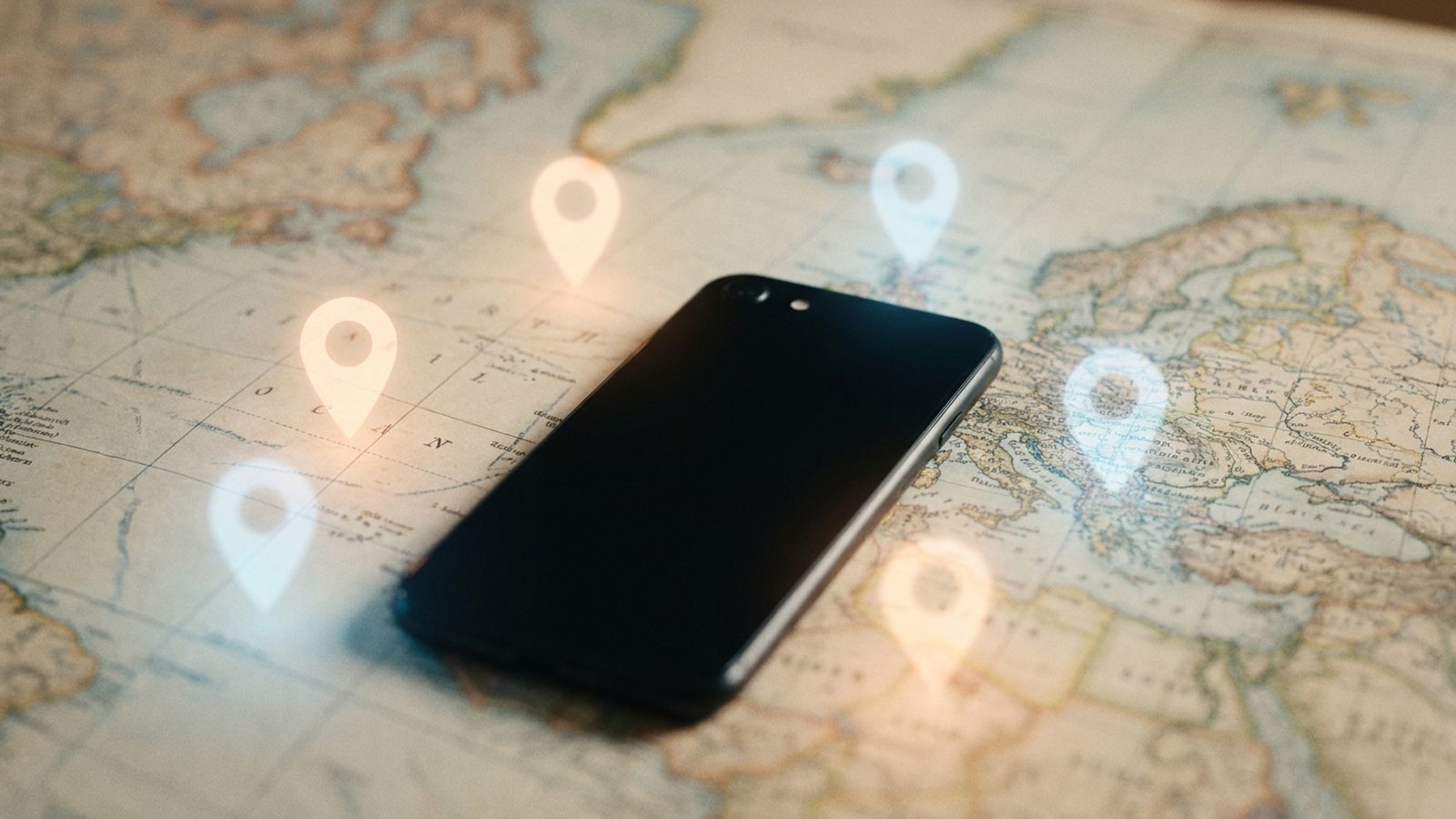
Of all the data a phone produces, location is the most intimate. It shows where you sleep, where you work, who you visit, which clinic you walked into and which gate you left through. It is also the data your phone is best at collecting, because knowing where it is makes maps, weather, photos and ride-hailing work.
At VOIDEX we treat location as one of the most sensitive things a platform can touch, and we design so that it does not travel where it is not needed. This guide explains the main ways location leaks from a phone, how that data ends up on the open market, and what you can do about each leak.
How precise is "location"?
A phone can work out where it is in several ways:
- GPS and other satellite systems, accurate to a few metres outdoors.
- Wi-Fi networks nearby, which can place you on a particular floor of a particular building.
- Bluetooth beacons in shops, stations and venues.
- Mobile network cells, less precise but always available to the carrier.
- IP address, usually good for a city or a region.
The first three are controlled by the location permissions on your phone. The last two are visible to networks and services regardless of what you tick in settings.
Precision matters less than people think. A 2013 study in Scientific Reports looked at mobility records for 1.5 million people and found that four points in space and time were enough to uniquely identify 95 percent of them. Even rough location, collected over time, becomes a fingerprint.
Leak one: photos and videos
The most overlooked leak sits inside ordinary files. When a phone takes a photo with location enabled for the camera, it can write the GPS coordinates into the image's EXIF metadata, alongside the device model and the exact time. Videos carry similar capture metadata in their containers.
That information travels with the file. Send the original to someone, upload it to a service that does not clean it, or post it on a forum, and you may be publishing the exact point where you were standing.
This has exposed people before. In 2012, a photo of the fugitive software entrepreneur John McAfee, published by a magazine that was travelling with him, was widely reported to have carried GPS coordinates that pointed to his location in Guatemala. We cover the mechanics in detail in photo metadata and GPS.
What to do:
- Turn off location for the camera app if you do not need it.
- Remove location when sharing. Recent versions of iOS and Android let you exclude location from the share sheet or photo options before sending.
- Prefer services that strip metadata for you, and refuse to publish files they cannot clean.
Leak two: apps with location permission
Many apps ask for location, and many of them ask for more than they need. A weather app needs a rough area. A flashlight app needs nothing. Some apps request background location, which allows them to record your movements even when you are not using them.
Inside those apps there are often third-party software development kits for advertising and analytics. An SDK can collect location from every app that includes it and report it back to the same company, which then sees one device moving across its entire network of apps.
What to do:
- Open your location settings and review every app on the list.
- Set most apps to Never or While Using. Reserve Always for the rare app that truly needs it, such as a family safety tool you chose deliberately.
- Turn off precise location for apps that only need a city, such as weather and news. Both iOS and Android offer approximate location.
- Delete apps you no longer use.
Leak three: advertising identifiers
Phones carry an advertising identifier, a code that apps can read so that advertising companies can recognise the same device across different apps. Location records keyed to that identifier are the raw material of the location data market, because the identifier stays stable while the device moves.
Apple introduced App Tracking Transparency in iOS 14.5 in 2021, which requires apps to ask permission before tracking you across other companies' apps and websites. On Android, you can delete or reset the advertising ID in the privacy settings.
What to do:
- On iPhone, turn off Allow Apps to Request to Track in Privacy and Security, or deny each request.
- On Android, delete the advertising ID under Privacy, then Ads.
How location data gets sold
This is not a hypothetical market. In December 2019, The New York Times published an investigation based on a dataset of more than 50 billion location pings from the phones of more than 12 million Americans, obtained from a single location data company. Reporters were able to follow individuals, including people with sensitive jobs, from home to work and back.
In August 2022, the US Federal Trade Commission sued the data broker Kochava, alleging that it sold location data that could be used to track people to sensitive places such as reproductive health clinics and places of worship. The data was keyed to advertising identifiers, which the FTC said could be linked back to the people carrying the phones.
These cases share a pattern. Nobody chose to give their location to a broker. They gave it to an app, which passed it to an SDK or an ad exchange, which passed it on.
Leak four: the network itself
Your mobile carrier always knows which cell towers your phone connects to. Websites and services see your IP address, which usually reveals a city and a provider. These leaks cannot be switched off in settings, but they can be limited: a trustworthy VPN hides your IP from the sites you visit, and services that route requests on your behalf can keep your address away from the destination.
Leak five: what you post
Finally, people give away location through content. A check-in, a tagged venue, a photo of the view from a window, a post about the café downstairs, a running app that publishes routes that start and end at the same front door. None of this is technical. All of it can be enough.
How VOIDEX handles location
VOIDEX was built so that location stays with the person it belongs to.
Media is cleaned before it goes public. When you publish on VOIDEX Space or VOIDEX Orbits, images are re-encoded before publishing, which removes EXIF data such as GPS. Videos have capture metadata, including GPS, device model and creation time, stripped before a post goes public. If a file cannot be cleaned, it is refused and never published raw.
No advertising pipeline. VOIDEX carries no ads, no third-party trackers or ad pixels, and does not sell data. There is no advertising SDK inside the app to collect location, and no ad exchange to broadcast it to.
Private conversations stay private. Media you send in VOIDEX Messenger is end-to-end encrypted, with keys created on the devices of the people in the chat.
Search without a return address. VOIDEX Pulse sends searches to the web through VOIDEX, so the sites and engines on the other end never see who is asking. That keeps your IP address, and the rough location it reveals, away from them.
Anonymity that does not leak through a photo. A VOIDEX Phantom is only as anonymous as the files it posts, which is exactly why metadata stripping applies before anything goes public.
A short checklist
- Turn off location for the camera, or remove it when sharing.
- Review every app's location permission and turn off precise location where it is not needed.
- Deny cross-app tracking and delete or reset your advertising ID.
- Remove apps you do not use.
- Think before tagging places, and avoid posting from home in real time.
- Use services that strip metadata and do not run on advertising.
Location is the one piece of data that turns a profile into a person standing somewhere. It deserves more care than a settings screen usually gets.
VOIDEX is invite-only. Request access, or read how VOIDEX protects media and messages in our public security report.
Sources
- de Montjoye et al., "Unique in the Crowd: The privacy bounds of human mobility", Scientific Reports, 2013: https://www.nature.com/articles/srep01376
- The New York Times, "Twelve Million Phones, One Dataset, Zero Privacy", 19 December 2019: https://www.nytimes.com/interactive/2019/12/19/opinion/location-tracking-cell-phone.html
- US Federal Trade Commission, "FTC Sues Kochava for Selling Data that Tracks People at Reproductive Health Clinics, Places of Worship, and Other Sensitive Locations", August 2022: https://www.ftc.gov/news-events/news/press-releases/2022/08/ftc-sues-kochava-selling-data-tracks-people-reproductive-health-clinics-places-worship-other-sensitive-locations
Enter VOIDEX
VOIDEX is invite-only and free, with no ads and no trackers. Messages are protected by hybrid post-quantum encryption (X25519 with ML-KEM-768) and checked against a public key transparency log. VOIDEX runs in your browser and as apps for Windows and Mac, with iPhone and Android on the way.
Explore the Voidverse
VOIDEX is one private universe: post-quantum encrypted messaging, an anonymous social layer, short video, collectibles and a private window onto the web.
Keep reading

Anonymous Social Media: Why It Fails and What Real Anonymity Takes
Why anonymity online matters, how anonymous apps and anonymised data have failed before, and what real anonymity requires from a social platform.
Metadata Is the Message: What End-to-End Encryption Does Not Hide
Encryption hides what you say, not who you talk to, when or from where. Why metadata is so revealing, and how VOIDEX limits what it can see.

No Ads, No Data Brokers: Why a Free App Without Ads Matters
Free apps are paid for with your data. How ads, data brokers and tracking pixels work, and why a platform with no ads changes every incentive it has.