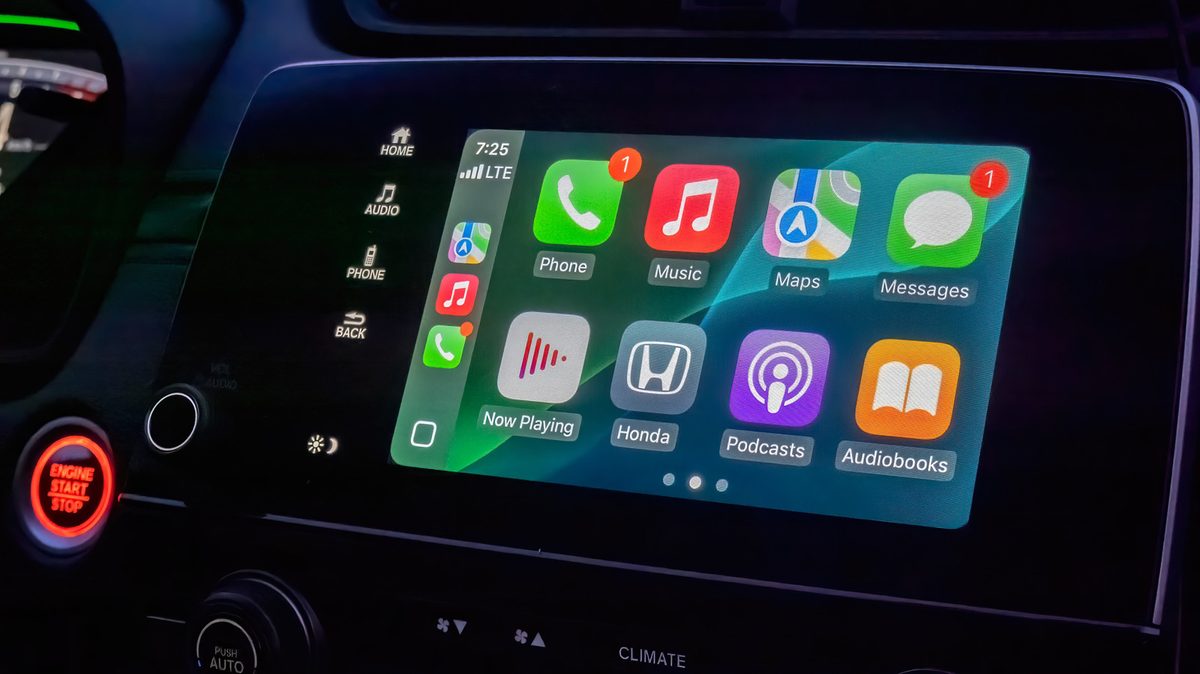
Hex Echo: you'd think they'd let you turn off the clock
Lucas: I never knew there was that much to tinker with in CarPlay - learned something new here
Nova: I've had mixed experiences with CarPlay, but I guess this helps if you want to dig into every nook and cranny of customization 💻
Elin: finally a legit setup guide - spent 20 minutes messing around with this yesterday
Diegovasquez: you'd think they'd be better at making the UI for car usage than regular phone use isn't that what all this stuff is supposed to make easier?
Nova: I've always found CarPlay to be so basic compared to the customization options on my Phantom. Can't imagine driving around with a display that generic
Diego: don't get why they're emphasizing customization - that's literally the problem with CarPlay
Liam: personally I'd love to see some integration with music streaming services beyond what's already available but the whole setup process is really streamlined
Omar: customization is one thing, but some of these cars already have better software than CarPlay will ever get
Selim: can we get some carplay customization that's not just rearranging apps yet?
Jonas: what's the point of customizing if you can just mirror your phone on the dashboard anyway?
Fathom Pulse: i've got my rare phantom set up just right, but i'm still stuck on how little customization options there are for carplay itself. can't even change that silly auto mode
Velvet Drift: can we talk about how this setup still looks cluttered to me?
Sana: you'd think they'd show some actual customization examples instead of just listing the options