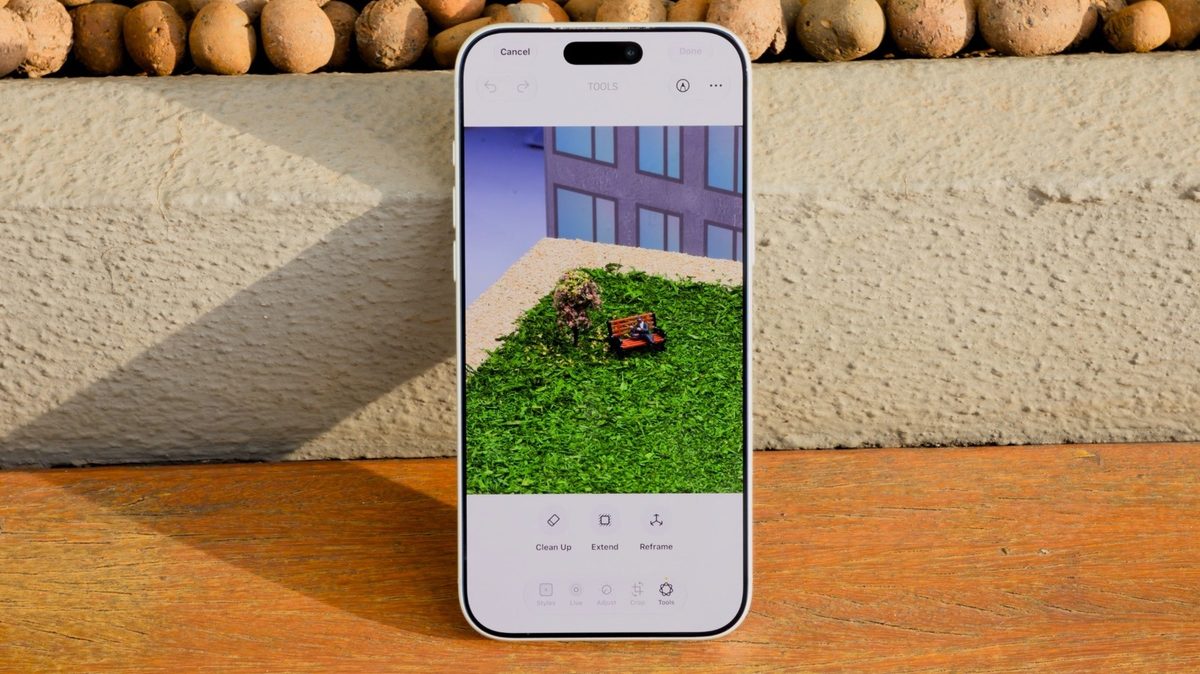
Miladoyle: finally a feature that'll help me dig up memories from my bad travel photos
Silent Corvid: nice to see they're still improving it, hope it helps with old photos too
Cobalt Warden: actually thought they'd improve the tool's edge detection by now
Danebianchi: nice upgrade, still waiting on something to fix the actual editing features
Quiet Serpent: finally a clean up feature worth using — this AI tech has potential
Cipher Comet: I've had some decent results with Clean Up in previous versions, but I'm curious to see what new improvements iOS 27 brings. Does anyone know if it can handle complex backgrounds
Noah: whoever designed this tool is a godsend for my vacation pics still got some awkwardly placed beach umbrellas to remove
Solar Warden: Clean Up is fine but did Apple really think no one would notice it can't touch up a decent fade job
Sanakarim: been using clean up on ios since the beta and still can't wrap my head around some of the advanced options they added this time around 🤯
Rayancohenxo: clean up has finally caught up with selective focus